Blueprint marketplace
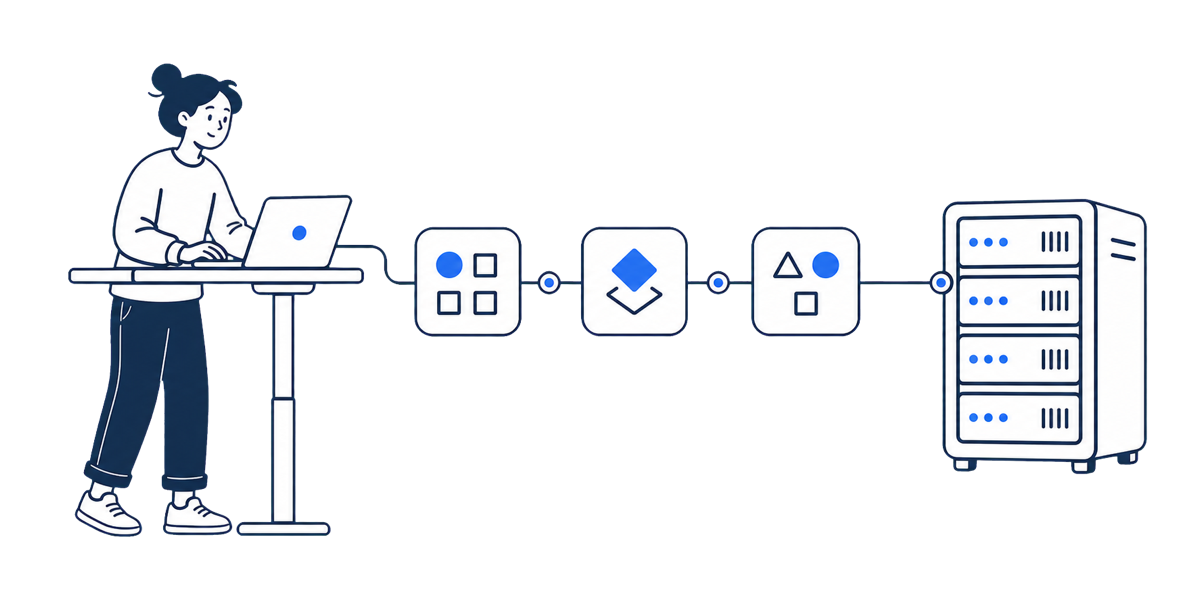
Official Blueprints help users choose app templates, then hand deployment back to Cloud and related entrypoints.

Mautic
Commerce
Open-source marketing automation platform for campaigns and CRM journeys.
The deploy plan places the app and declared dependencies into one project topology.
MauticAppaloft SEO pages are organized around real deployment tasks. Each page should lead to the next useful step, not stand alone.
Official Blueprints help users choose app templates, then hand deployment back to Cloud and related entrypoints.
Let the agent identify project shape first, then choose the skill, CLI, static publishing, or Cloud console path.
Use GitHub Actions to connect repository events to Appaloft deployment while keeping explicit workflows.