Skip to content
Static Site

Static Site

Web frontend

Official BlueprintFeatured

Deploy Static Site with Appaloft

Official Static Site Blueprint.

Category
Web frontend
Components
1
Dependencies
0
Ports
0
Deploy variants
2
Blueprint version
1.0.0

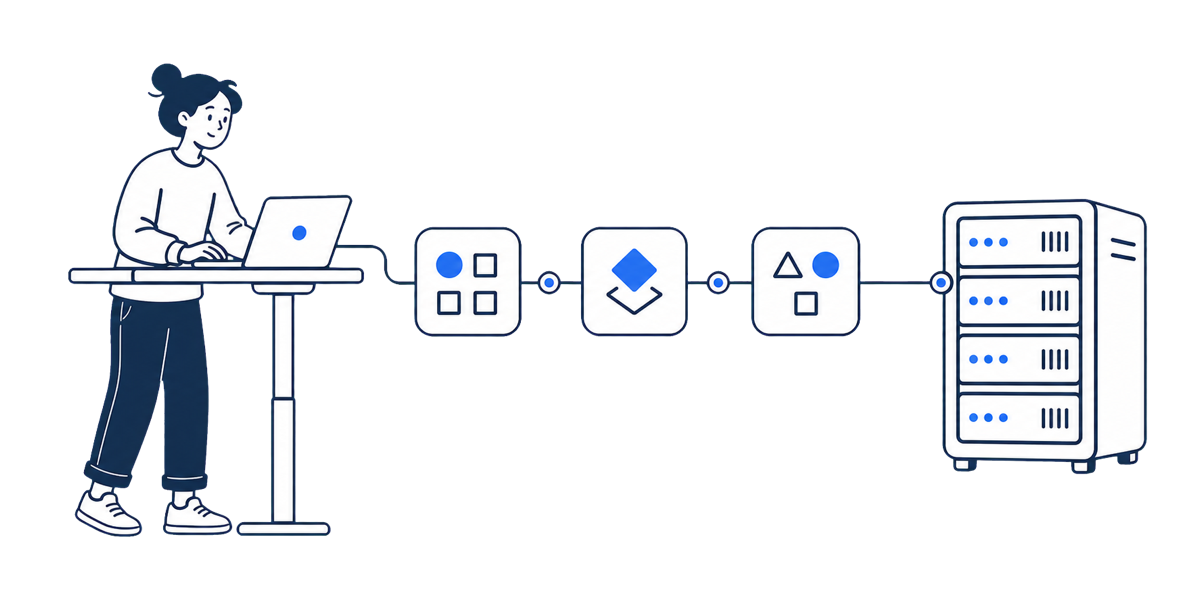
Runtime topology

The deploy plan places the app and declared dependencies into one project topology.

Static Site

What Appaloft prepares

  • Publishes the dist directory as a static site.
  • No database or storage service is required by default.
  • No public HTTP route is required by default.
  • Frontend apps.
  • Teams that want to review services, databases, and ports before deployment.

Before deploy

  • Make sure the target environment has enough resources for the Blueprint components.
  • Prepare API keys or provider accounts when a Blueprint depends on external services.
  • Check domains, ports, security groups, and persistence policy before going live.

Deploy flow

  • Choose the target project and environment.
  • Review the Blueprint plan, resources, and variables.
  • Run the install and track status in Console.

After deploy

  • Confirm public ports, callback URLs, and external provider credentials are configured.
  • Use Cloud Console to review resource status, install events, and rollback entry points.
  • Keep logs, health checks, and follow-up changes in the same Appaloft project.
Related topics

Keep following the same deploy path.

Appaloft SEO pages are organized around real deployment tasks. Each page should lead to the next useful step, not stand alone.